3CX licensing Essential
Easy admin with Google Workspace integration
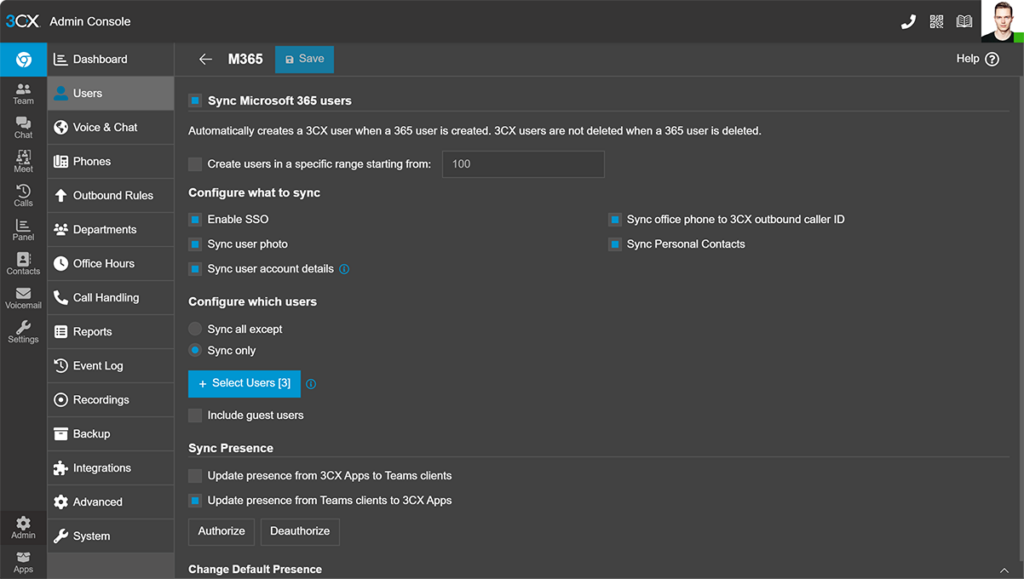
Auto create extensions
Sync Google Workspace users with 3CX to automatically create extensions. Reduce manual work and avoid errors.
SSO sign on (SSO)
Let users log in to 3CX using Google credentials. No more forgotten passwords, no additional login details.
Calendar status sync
Google Calendar events update 3CX status automatically. "Do Not Disturb" for meetings, "Away" for out-of-office.
Contact sync - one way
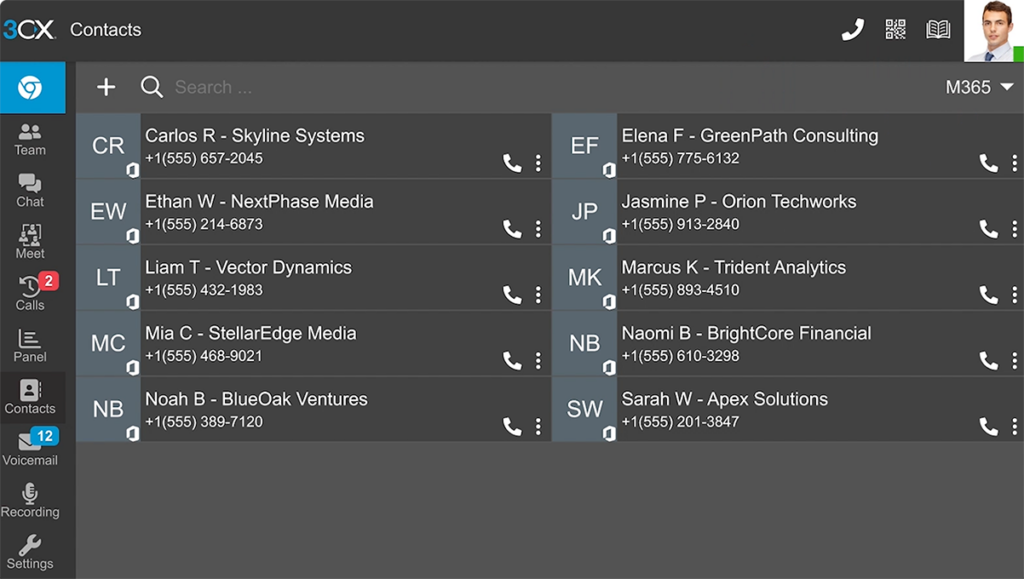
Sync Google contacts to your 3CX phonebook, but updates must be managed in Google.
Managing your phone system is easier with Google Workspace
Managing your phone system is easier with Google Workspace integration. User accounts sync automatically, eliminating manual extension creation. Google SSO reduces password issues and helpdesk requests.
Call recordings, voicemails, backups, and chat files can be stored in Google Cloud Storage, keeping everything organized and reducing reliance on additional storage solutions. Automated contact sync ensures company-wide caller details stay up to date with no extra effort.
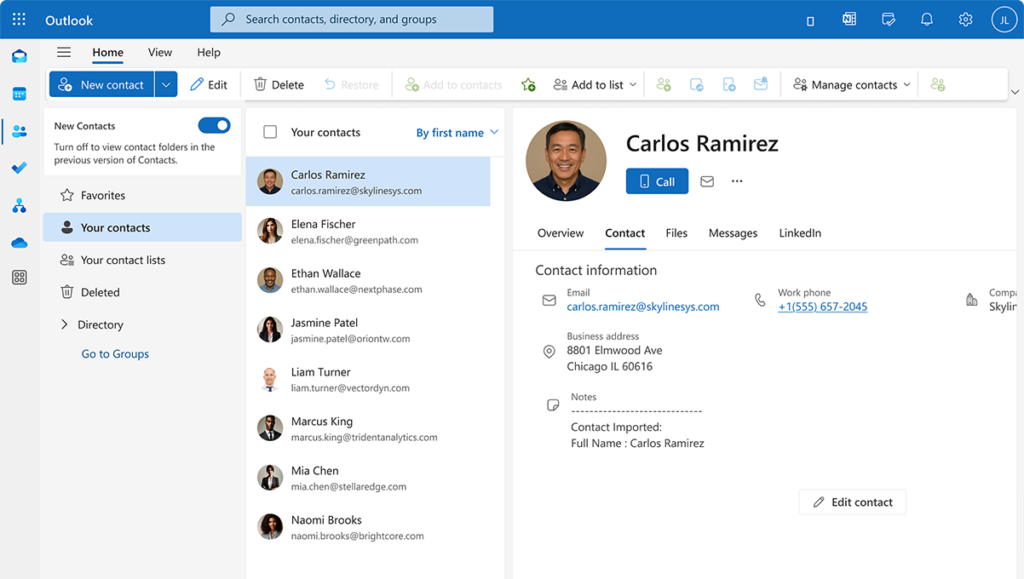
Google profile photos are also synced with 3CX, making it easier to recognize colleagues and contacts at a glance. This helps users quickly identify incoming calls and improves team communication, especially in large organizations or remote work setups.
Email integration lets you send out email notifications using Google Workspace and eliminates notifications potentially ending up in spam folders.
3CX licensing Essential
3CX licensing Essential
Google Workspace Email Integration
Use Google Workspace accounts to send system emails, ensuring messages are routed securely through your existing Google setup.
Leverage Google Cloud Storage
Use existing Google Cloud Storage for call recordings, voicemail, backups, and chat files. Keep your data organized and accessible while reducing additional storage costs.
AI-Powered Transcription
Transcribe voicemails and recordings with Google Speech, OpenAI, or 3CX AI, depending on your license. Review calls faster with email search-friendly transcriptions.
Frequently Asked Question
Your Google Workspace questions answered...
It updates your 3CX status automatically based on Google Calendar events. If you’re in a meeting, 3CX sets your status to “Do Not Disturb.” When the meeting ends, your previous status is restored.
Yes! You can configure 3CX to use Google Buckets for storing voicemails, recordings, backups, faxes and chat files.
3CX syncs user accounts, contact details, and profile photos. It also integrates calendar events for automatic status updates. Contact sync is one-way from Google to 3CX.
Yes, some data like user information and calendar events sync in real time. Other data, like contact sync, updates daily.
Transcription is available through Google Speech, OpenAI, and 3CX AI. Depending on your license, you can transcribe voicemails and recordings and receive the transcript via email.
No, Google Workspace is included as part of the PRO and / or ENT/AI license features. No additional fees are required.
Yes! Google SSO allows users to log in securely without needing additional passwords. It’s also possible without using Google Workspace.
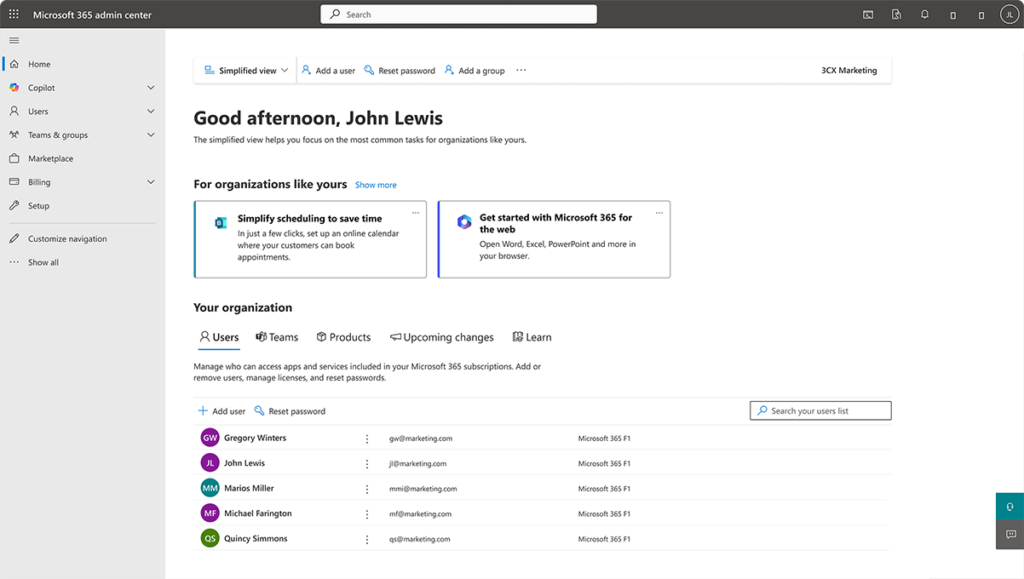
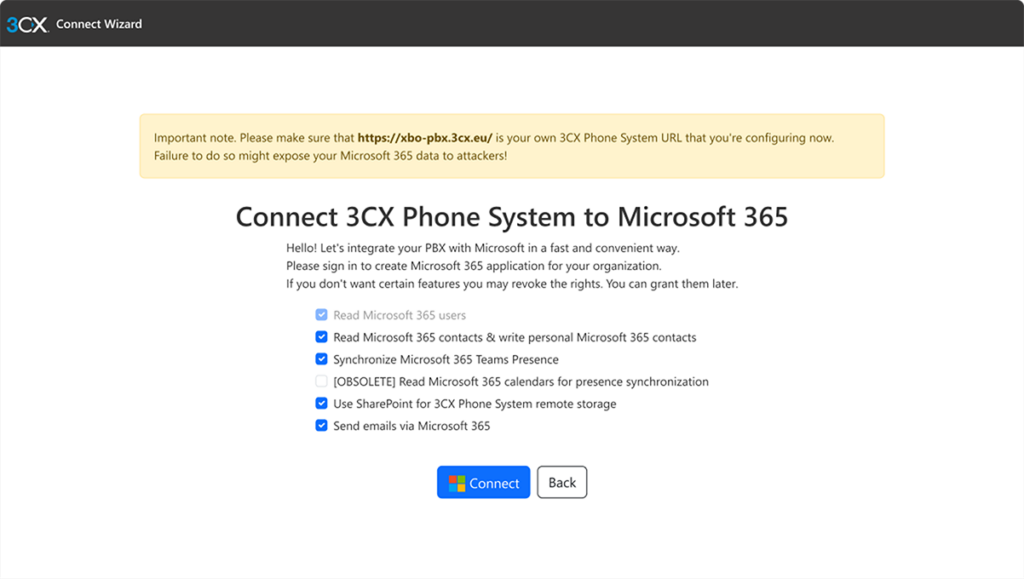
Setting up 3CX with Google Workspace is easy! You can do this from the 3CX Admin Console.
- Go to Integrations, Google, ‘Configure’
- You’ll be redirected to the 3CX integrations wizard.
- Select the features you want and click ‘Connect’ to authenticate with your
Google Workspace Super Admin.
This will grant the necessary permissions for 3CX to configure everything automatically.
Once the integration is complete, some manual adjustments may be required. For more details, refer to the 3CX Google Workspace Integration Manual.
Yes! Once enabled, Google reCAPTCHA is applied to the ‘Forgot Password’ links. This helps protect against abuse from external IP addresses.
Click2Call extension converts all numbers on any website to clickable links that open in your Web Client dialer when clicked. This allows users to make calls directly from Gmail and Google Contacts, making communication easier, faster and more efficient.
3CX License Pricing
Industries We Work With
-
Healthcare
-
Automotive
-
Education
-
Technology
Healthcare Case Study Bringing NHS Surgeries’ Communications Back from Critical Condition
3CX’s Call Recording & UC Features Meet Surgery Requirements. “The new system dispelled our previous hang ups about hosted telephony and new technologies. With our dedicated internet line we’ve had a consistent and reliable service. The call quality has been great.” Peter McIntyre, Practice Manager, NHS Read the case study.
A Case Study in the Automotive Industry - Buckle Up! Porsche Inter Auto Takes 3CX for a Spin
Thanks to advanced 3CX call center features, gearing up customer service was no issue. “3CX proved instrumental in helping take customer satisfaction to a higher level. We look forward to exploring new product features in upcoming 3CX updates.” Željko Hitrec, Communication Manager, Porsche Inter Auto.

A Case Study in Education: Douglas County School District Enjoys Increased Security and Significant Savings
3CX was chosen above Jive®* and Cisco®* as most cost effective: “This was one of the best decisions we made. The 3CX system is easy to configure and manage and runs on hardware we already owned. ROI will be less than three years.” John Endter, IT Director, Douglas County School District.

Our Case Study in Technology Showcases Benefits to Brazil’s Largest Data Center Provider
With company telephony costs reduced by 20% and increased employee mobility: “We gained high availability VoIP, easy system admin and advanced communications features. Our teams have quality communication capabilities to respond quickly to our customers.” Fábio Trimarco, IT Governance Manager, Ascenty.

More than 350,000 businesses globally trust 3CX to power their everyday communications